01 / Observe
SEE THE WHOLE ESTATE.
Begin with a spatial view of blocks, gates and facilities. Zoom into the area that needs attention.
Concept preview · No live actions
From your first gate to your entire operation.
Management software and custom integrations
built around the way your world works.
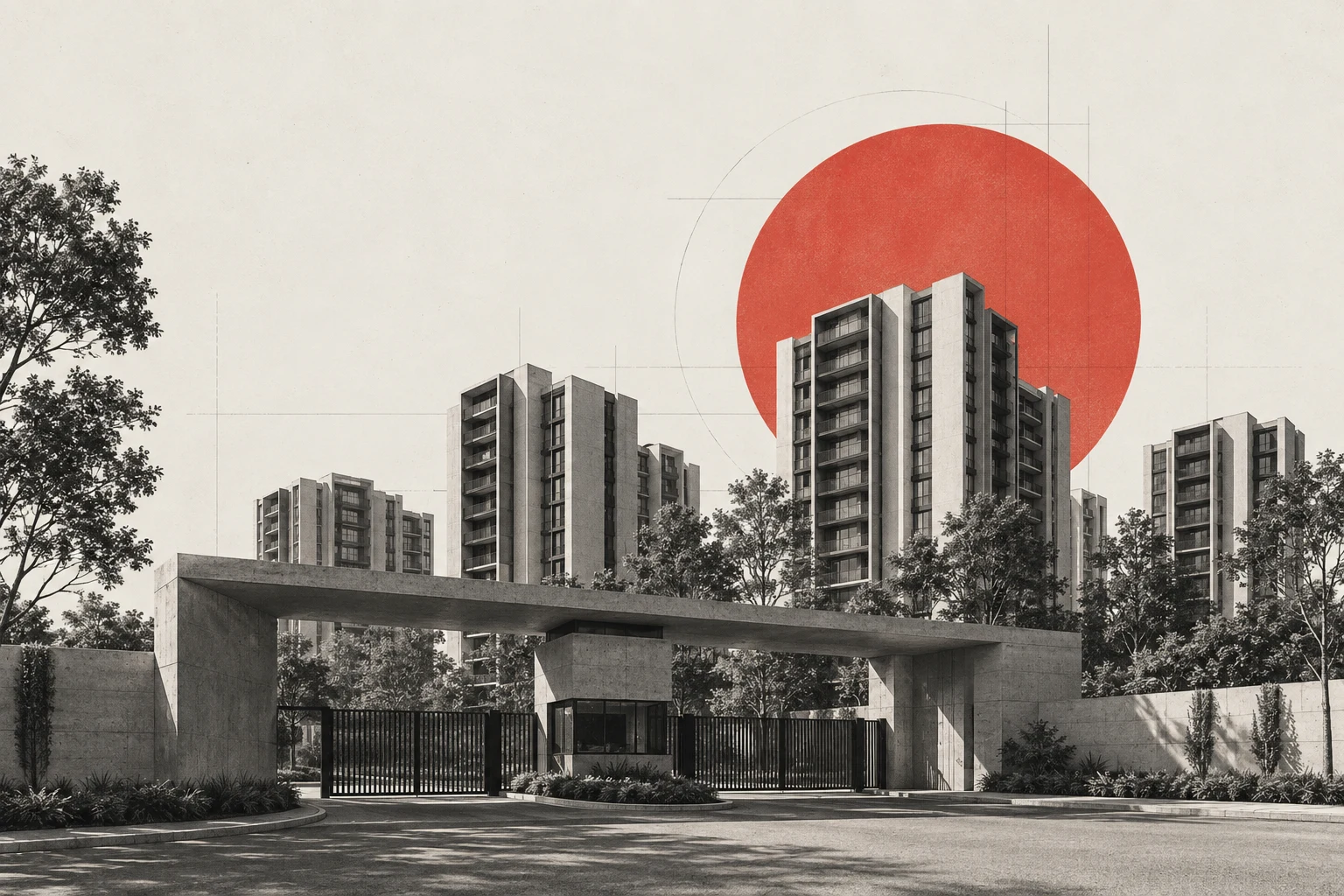
Software should understand the spaces you manage and the people who make them work.
Illustrative workflows · Sample data
Begin with a spatial view of blocks, gates and facilities. Zoom into the area that needs attention.
A sample visitor request is missing resident approval. The relevant gate and the next step come into focus.
Turn an example facility issue into an assigned task, with a clear owner and status for the estate team.
Disconnected tools make simple work harder. Bring the pieces together around the people using them.
The same information, entered again and again.
One considered workflow.
People and tools working without shared context.
Connected people and systems.
Important events lost between screens.
A clearer operating picture.
Every handoff becomes another follow-up.
A defined next step.
Hover, focus or tap a challenge to explore.
Bring the spaces, people and movement of your estate into focus. GateGuard starts with a working township explorer—and a vision for more connected daily operations.
Working demo available. Operational modules and hardware connections are scoped for each project.
Connect visitor requests, resident approvals and gate events in a workflow designed for your estate.
Workflow concept. This preview does not control live gates or process real resident data.
Good operations live in the handoffs. Step through three everyday situations and see how a request moves between the people responsible.
A visitor arrives for an expected visit. The gate team records the destination and checks whether resident approval is available.
An interactive concept, using fictional events. No messages are sent and no devices are controlled. Roles, exceptions and permissions are defined for each implementation.
Shape your workflow ↗The same attention to people, places and processes—adapted to your industry.
GateGuard township is our starting point. Other sectors are available for custom project discovery and development.
Build a shared operating picture across your estate, from its physical layout to everyday requests.
Use GateGuard as a foundation, or bring a system that needs to be built from the ground up. We scope the software and its real-world connections together.
Management platforms, role-based portals and dashboards shaped around your people and processes.
Web platforms / Admin tools / WorkflowsPlan connections to access devices, readers, sensors and existing systems, subject to device and API compatibility.
Access control / Devices / APIsPilot one workflow, learn from the team using it, then define a phased rollout with clear acceptance criteria.
Discovery / Pilot / Phased rolloutStart with one meaningful workflow. Each phase ends with something concrete to review before the next commitment. Open a phase to explore.
Map the people, daily tasks, bottlenecks and tools already in use. Choose one workflow with a clear owner.You reviewA workflow map, scope boundaries and a definition of success.
Walk through the key screens, access roles and exception paths. Review device and data dependencies before building.You reviewA clickable prototype, integration inventory and agreed acceptance criteria.
Build the agreed scope and test it in a controlled pilot. Include real operator feedback, permission checks and a fallback process.You reviewA pilot report covering usability, handoff times, errors and unresolved issues.
Agree training, support responsibilities, data migration and a recovery plan. Add sites or workflows after reviewing pilot results.You reviewA phased release plan, operating guide and priorities for the next iteration.
Each person sees the tools that matter to their role, working from the same shared record.
Gate terminals can cache pre-issued passes and keep verifying entries during network dropouts, then sync every record once the connection returns.
Your operation already has tools, routines and equipment. A good implementation starts by understanding them, then defining where a shared workflow can help.
Proposed architecture. Connections depend on documented interfaces, permissions and compatibility testing.
Common standards we plan integrations around.
One systems philosophy.
Many places to put it to work.
GateGuard begins with township management. The ambition is broader: management systems that make complex physical operations easier to understand and run.
A better-run township.
A system for your industry.
A partnership with room to grow.
Choose a direction and outline what you need. Send it straight to the GateGuard team and we will reply by email.
No. GateGuard has a working township demonstration. The other sectors are custom development offerings. Features, timelines and availability are agreed during project discovery.
That depends on the device, its documentation and the interfaces available. Integration discovery starts with a hardware inventory and a compatibility review before any delivery commitment.
Yes. A focused pilot is the proposed starting point. Its scope, success criteria, responsibilities and support requirements should be agreed before development.
Access roles, data ownership, retention, hosting and audit requirements are defined for each implementation. This site does not claim security certifications or production service guarantees.
A proposal follows discovery. The main factors are workflow complexity, number of roles and sites, migration needs, hardware interfaces and acceptance criteria. A pilot separates the first useful scope from later additions; this website does not publish fixed pricing or promise delivery dates.
Bring a short description of your operation, the people involved, the tools you use and one task that causes repeated friction. Device models, sample forms with personal data removed, and a preferred pilot site help define a practical starting point.